A familiar sign-in page can make an unfamiliar request feel safe. The user recognizes the provider, completes authentication, and approves an application that says it needs access to a document or mailbox.
That last approval deserves more attention. It can give an application access to company information without the application ever receiving the user's password.
For a CISO, the practical question is whether the organization can identify that access, explain why it exists, and remove it when necessary. I would include those questions in the account-compromise response process, before an incident forces the team to work out the answers.
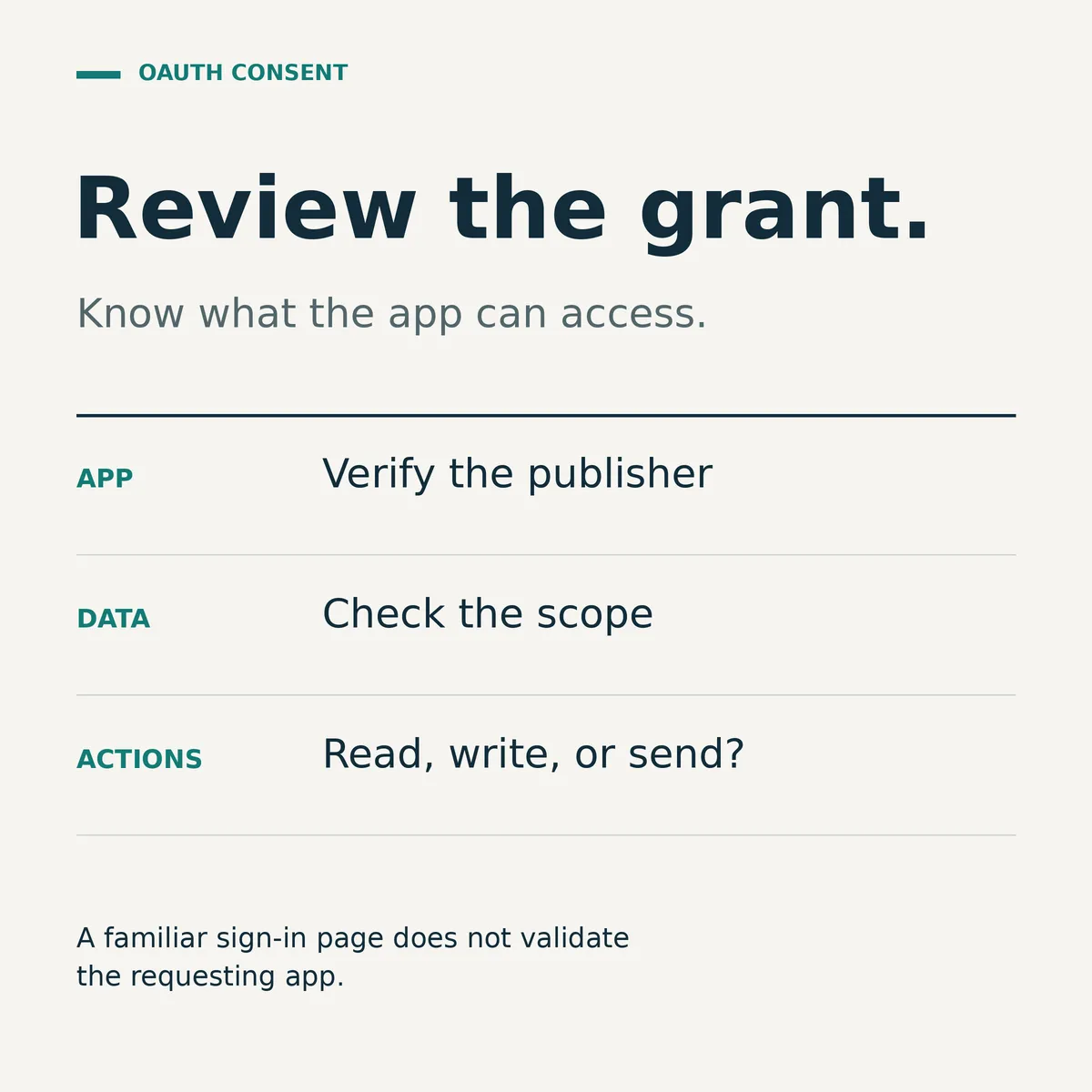
What the user is actually approving
OAuth allows an application to request permission to access resources through another service. In consent phishing, an attacker persuades a user to approve a malicious application through a legitimate provider's authorization flow. The application can then use the permissions granted to it, potentially including access to email or files.
The FBI described this pattern in its September 1, 2026 advisory. The familiar provider is part of what makes the request convincing. A real sign-in screen does not establish that the requesting application deserves the access it wants.
This is an authorization decision. Phishing training should help employees recognize it as one, with a clear way to ask for help before approving a request they do not understand.
Include application access in incident response
Microsoft's guidance on illicit consent grants explains why password resets or requiring MFA alone do not resolve this type of attack. Its investigation and remediation guidance includes identifying applications and permissions, reviewing relevant audit evidence, and removing illicit access.
Keep MFA. Investigate possible credential compromise where appropriate. Also establish whether the user or an administrator granted application permissions that now need attention. The response should follow the provider's current guidance for the specific permission and access involved.
I would make the handoff explicit: who checks application access when an account incident is opened, who can remove it, and who confirms that the action had the intended result? A ticket that says “password reset completed” answers a different question.
Start with one important environment
A useful first review can be small. Choose the email or collaboration environment that holds information the business relies on. Ask the responsible team to produce a short list of applications with sensitive access and explain the business purpose of each.
For each application, I would want a record that answers:
- What is the application, and who publishes it? Record an identifier as well as the display name so the team can distinguish similar names.
- What data can it reach, and which actions can it perform? Translate the permissions into language a business owner can understand.
- Who needs it, and for what work? Identify someone who can confirm whether the integration is still used.
- Who approved the access? Separate an employee's approval from an administrator's broader approval where applicable.
- How would the team remove its access, and what business process could be affected?
These are proposed review questions, not a new compliance framework. The output should be usable by the people who will investigate the next incident.
An unfamiliar application is a reason to investigate, not proof of compromise. Likewise, a recognizable publisher does not answer whether the scope of access is appropriate for this particular use.
Make the decision easier before the request arrives
Suppose an employee wants to use a tool to arrange meetings, but the requested permissions include access to mailbox content. That is an illustrative review scenario, not an allegation about a particular product.
The reviewer should be able to ask what feature requires that access, whether the requested scope can be narrowed, and whether an approved alternative meets the need. If the answer requires a business decision, make that decision visible rather than leaving the employee to interpret the consent screen alone.
Give employees a workable approval route and a clear reporting channel. Asking them to stop and check is more useful when someone can answer the question promptly.
Microsoft Entra supports policies controlling user consent, including limited consent for selected permissions and eligible applications. One detail matters when tightening these settings: changes affect future consent operations. Existing grants remain unchanged. A policy update therefore needs a separate review of access already granted.
Test the removal process safely
I would ask the identity and response teams to walk through a controlled exercise with an approved test integration and nonproduction data. Confirm that they can find the relevant grant, understand its scope, and identify the person authorized to remove it.
Agree on the expected result before making changes. Then check the result, record what was observed, and investigate anything that differs from the expectation. Keep the exercise within its approved scope; removing a production integration without understanding its dependencies can create a separate operational problem.
The exercise should also expose evidence gaps. Microsoft's investigation guidance notes that relevant auditing must already have been enabled to support parts of the investigation. Discovering that limitation during preparation gives the organization time to address it.
For the next review, I would ask for one concrete demonstration: show an application's permissions, explain why they are needed, and show how its access would be removed safely.
That is a useful test of whether application access is something the organization can actually manage.